
How Bank Reconciliation Works in Microsoft Dynamics 365 Business Central
Easily reconcile your bank accounts with Microsoft Dynamics 365 Business Central—with no add-ons and no extra fees. Automate your financial processes, reduce manual errors, and save valuable time. Reconcile multiple accounts quickly and gain real-time insights into your cash flow, helping your business stay accurate and efficient.
Key Features of Bank Reconciliation in Microsoft Dynamics 365 Business Central
- Faster Month-End Closing: Complete reconciliations quickly and efficiently.
- Zero Manual Matching: AI automatically matches transactions for you.
- Fewer Errors: Reduce mistakes and improve financial accuracy.
- 100% Built-In & Free: Fully integrated with Business Central; no add-ons or extra fees.

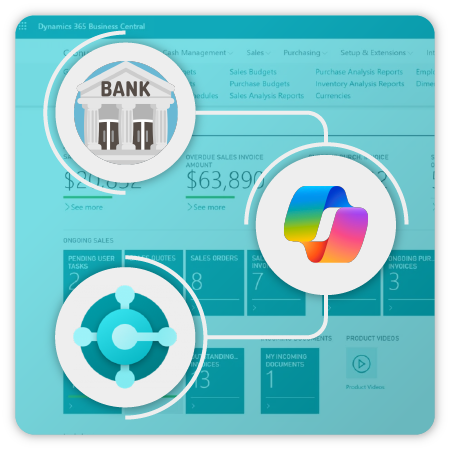
Reconcile Bank Accounts with Copilot in Microsoft Dynamics 365 Business Central
Streamline your bank account reconciliation with Copilot in Microsoft Dynamics 365 Business Central. Copilot works alongside the automatch operation, ensuring faster and more accurate reconciliation. First, the automatch operation identifies initial matches, then Copilot handles any unmatched transactions to complete the process efficiently.
Supported Local Banks in the Philippines
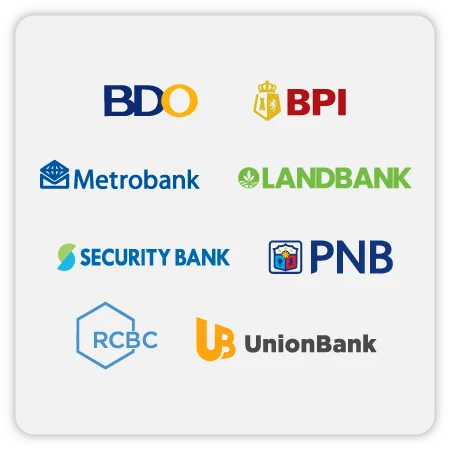
Business Central allows you to import and reconcile bank statements from leading Philippine banks, reducing manual errors and saving time:
- BDO (Banco de Oro)
- BPI (Bank of the Philippine Islands)
- Metrobank (Metropolitan Bank & Trust Co.)
- Landbank
- Security Bank
- PNB (Philippine National Bank)
- RCBC (Rizal Commercial Banking Corporation)
- UnionBank
With Copilot and these supported banks, you can automate bank reconciliation, reduce errors, and gain real-time insights into your cash flow—helping your business stay accurate and efficient.
How It Works
- Upload Your Bank Statement: Simple, secure, and quick.
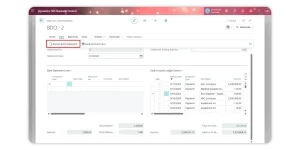
- AI Matches Transactions: Intelligent recognition automatically links transactions.
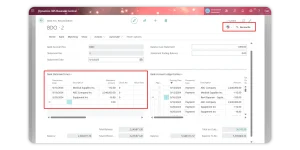
- Review & Confirm: Get an overview and complete reconciliation in just a few clicks.
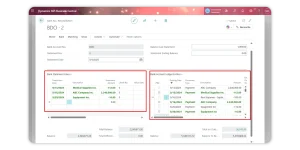
Top Reasons to Use Dynamics 365 Business Central for Bank Reconciliation

Efficient and Accurate
Business Central automatically compares your bank account entries with your bank transactions, reducing manual work and minimizing errors. This ensures your financial data is always precise and up-to-date for better decision-making.
Easy-to-Use Interface
Navigate bank accounts and reconciliation tasks with ease. The platform offers a clear, intuitive interface that allows finance teams and accountants to work efficiently without confusion.


Automatic Matching
The “Match Automatically” feature links transactions with bank entries in just a few clicks, saving time and reducing the risk of human error.
AI-Assisted Reconciliation
The “Reconcile with Copilot” feature uses AI to suggest the best matches for your transactions, even for complex cases. This speeds up reconciliation and enhances accuracy in your financial reporting.


Manual Matching Options
When automatic matching isn’t possible, Business Central allows you to manually link bank statement lines with ledger entries. This ensures even unique or complex transactions are reconciled accurately.
Accurate Financial Records
Keep your books aligned with your bank statements. Reconciled balances provide reliable data for finance managers, improving reporting accuracy and supporting informed business decisions.


Error Detection
Identify missing payments, duplicate entries, and bookkeeping mistakes early. Bank reconciliation in Business Central helps maintain financial integrity and ensures compliance with accounting standards.
Send us a Message
For more information or inquiry about our products and services, kindly fill out the form below.
Get in Touch
