From Leads to Wins: How CRM Software Drives More Sales
Sales today move fast. Buyers expect instant responses, personalized communication, and seamless follow-ups, while sales teams juggle emails, spreadsheets, meetings, and pipelines that constantly change. Traditional methods like manual lead tracking, scattered notes, and memory-based follow-ups simply can’t keep up. Important details get lost, leads go cold, and revenue slips away.
That’s where a CRM, or Customer Relationship Management system, comes in. More than just a tool, it helps teams organize leads, manage deals, and keep track of every interaction which turns chaos into clarity.
In this article, we’ll show how CRMs boost sales, why modern salespeople rely on them, and the features that help teams work smarter, not harder.
How CRM Turns Sales Efforts Into Revenue
At its core, a CRM centralizes everything a sales team needs such as leads, contacts, transactions, chat / calls / email history, and performance data into one platform. Instead of jumping between tools or spreadsheets, everyone works from a single source of truth.
This clarity directly impacts revenue:
- Leads don’t get lost or forgotten
- Deal progress and pipeline bottlenecks are easy to spot
- Follow-ups happen faster and more consistently
- Forecasting and decision-making become more accurate
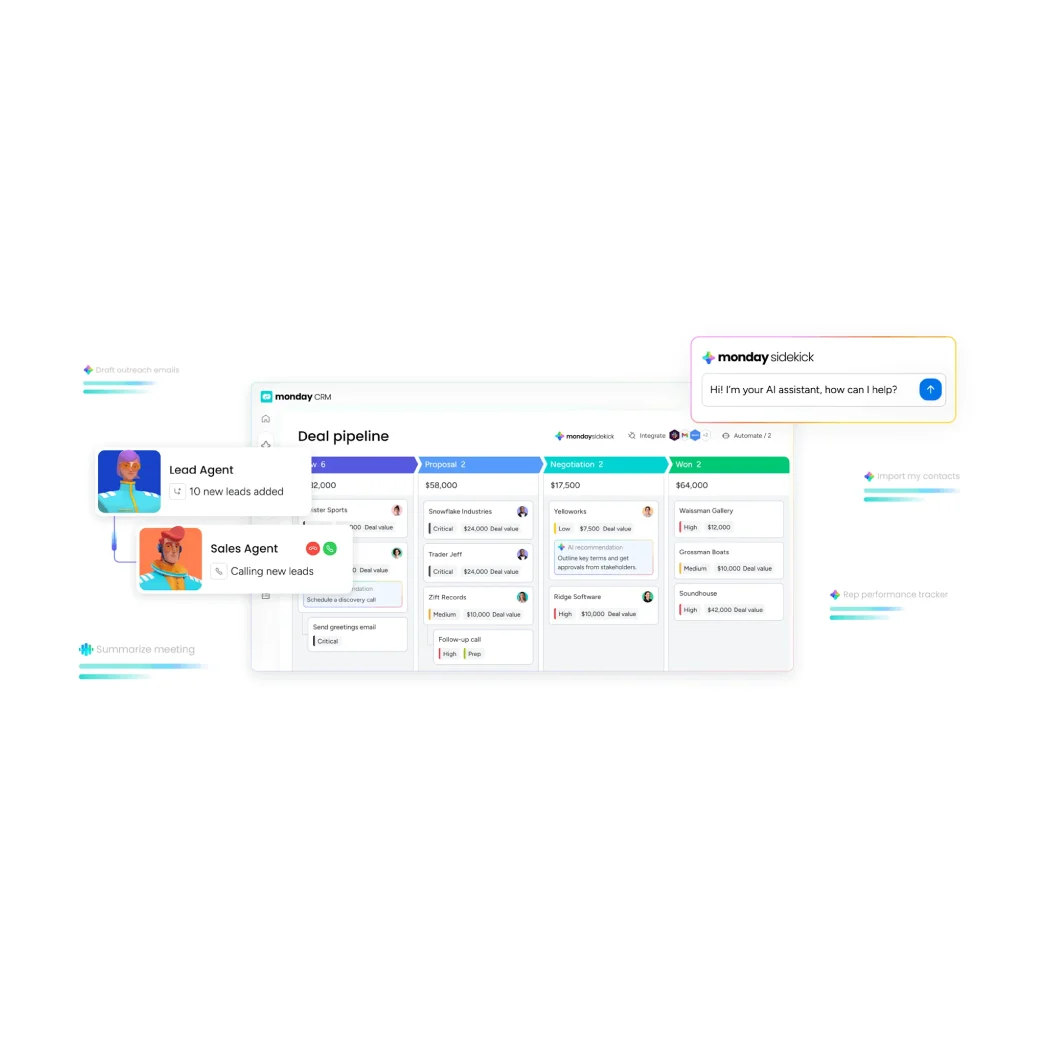
A CRM doesn’t close deals on its own, but it removes the friction that slows sales teams down. With a central hub, reps always know who owns each opportunity, where it stands, and what the next step is. Automation handles repetitive tasks like lead assignment, stage updates, and reminders, letting salespeople focus on conversations that actually matter.
Most importantly, a CRM helps teams prioritize prospects and maintain consistent engagement throughout the buying journey; ensuring no opportunity goes unnoticed.
Why Every Sales Team Needs a CRM
Sales isn’t just about intuition anymore. Nowadays it’s about data, timing, and consistent execution. With buyers expecting faster, more personalized responses, relying on memory or scattered tools isn’t enough.
Less Admin, More Selling
Sales reps spend too much time on administrative tasks like updating spreadsheets or logging calls. A CRM consolidates this information in one place, freeing them to focus on selling.
Full Context for Every Conversation
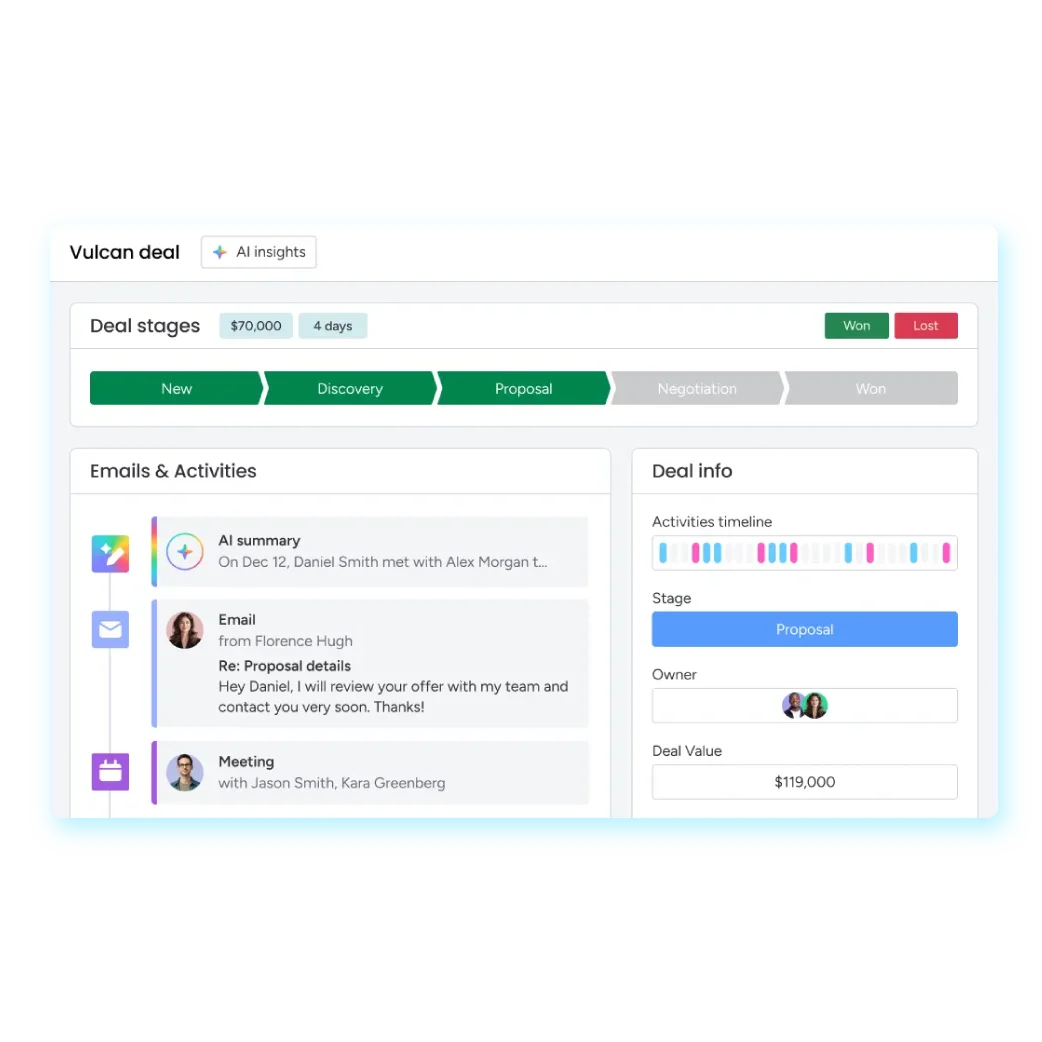
CRMs store the full history of customer interactions, including emails, call notes, files, and deal history. This allows sales agents to have meaningful, personalized interactions and anticipate client needs.
Clear Priorities Every Day
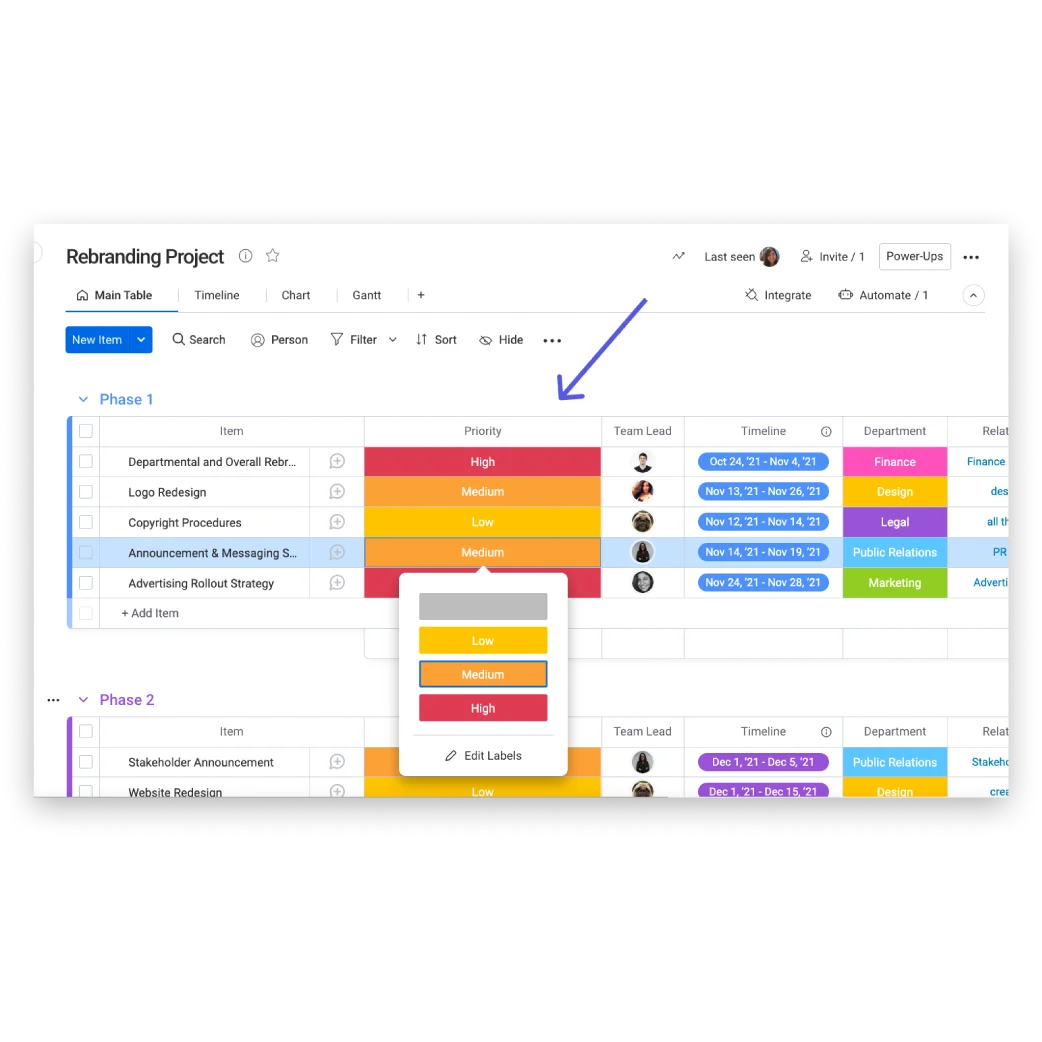
CRMs structure pipelines by stage, urgency, and priority. Account managers see which need attention, helping them focus on high-value prospects rather than low-intent leads.
Strategic Moves and Better Forecasting
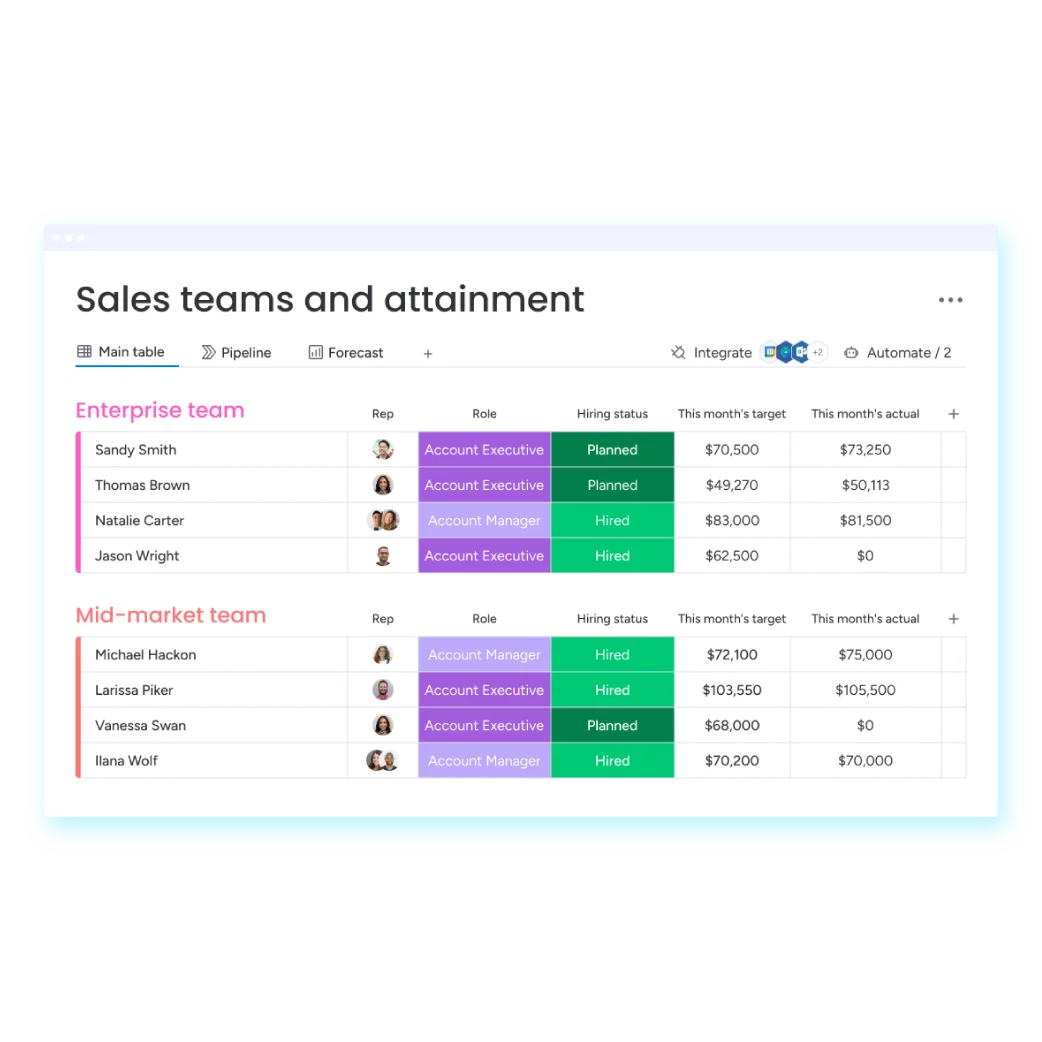
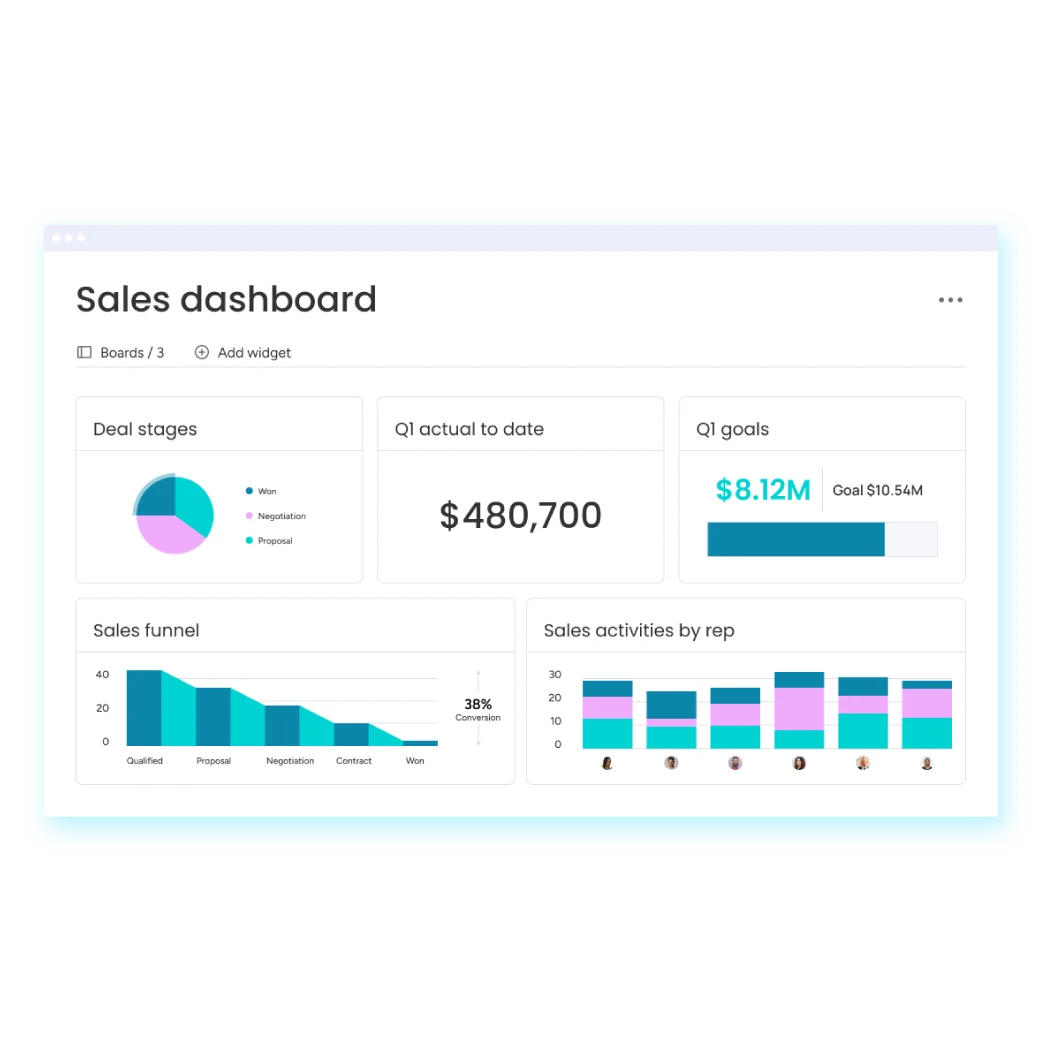
CRMs give managers visibility into pipeline health, deal progress, and team performance. This supports data-driven decisions, better forecasting, and alignment across sales, marketing, and customer success teams.
Benefits of Using a CRM System
Modern CRMs aren’t just digital address books but they’re also revenue-driving tools. Here’s what businesses gain from using a CRM System:
Clearer Sales Visibility
Track bookings at every phase, rep performance, pipeline health, and revenue forecasts. This makes it easier to spot trends, risks, and opportunities before they slip away.
Shorter Sales Cycles
Instant access to customer data, organized funnels, and reminders keep accounts moving. Momentum is maintained, and stalled deals become a thing of the past.
Higher Conversion Rates
Consistent, relevant conversation builds trust and prevents leads from falling through the cracks, resulting in more closed wins.
Better Collaboration Across Teams
CRMs let marketing, sales, and customer success teams work together seamlessly. Everyone shares updates, notes, and files in real time.
Informed Decisions Through Data
CRMs sort all interactions and performance data, letting teams make strategic courses of action, identify issues, and refine plans.
Better Customer Relationships
By keeping a 360° view of each customer, CRMs allow sales users to personalize interactions, anticipate needs, and respond quickly which turns customers into loyal buyers.
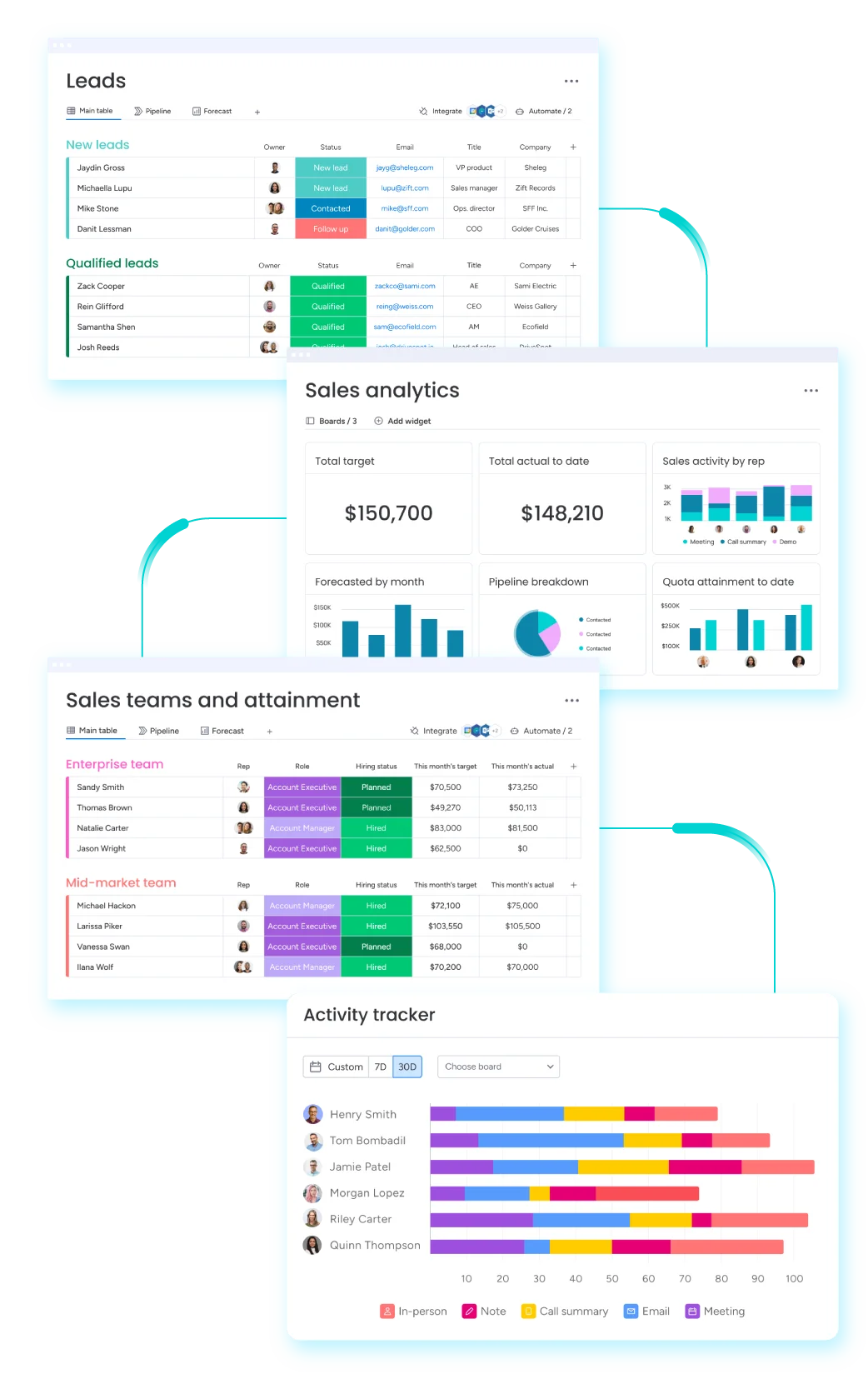
Key Features to Supercharge Your Sales
A modern CRM isn’t just about storing contacts; it’s about giving your sales team the tools to work smarter, stay organized, and keep things moving. After seeing the benefits a CRM system can bring, it’s easier to understand why the right features matter.
Monday.com CRM combines flexibility, usability, and powerful tools to help teams monitor pipelines, track conversions, and engage prospects more effectively. Some of the key features that make this possible include:
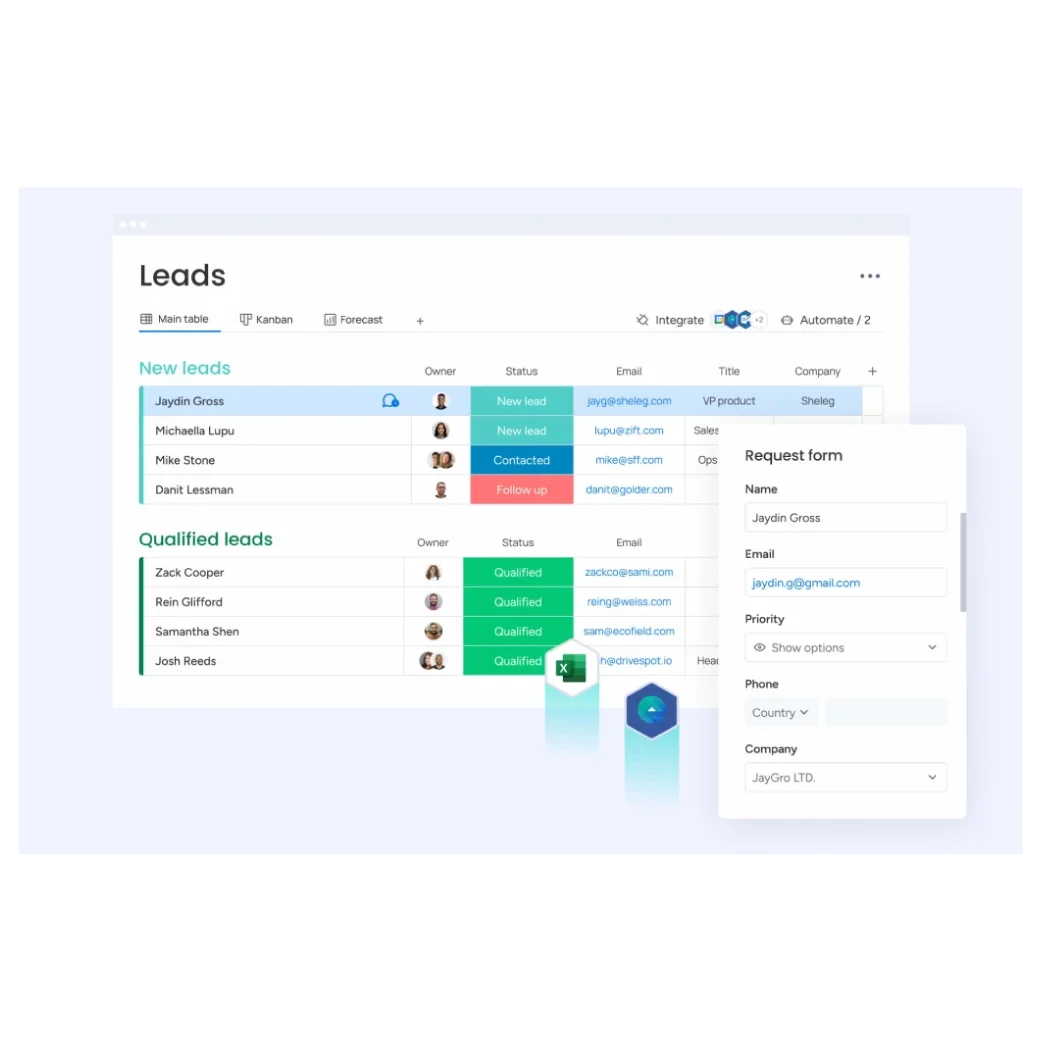
Centralized Lead Capture
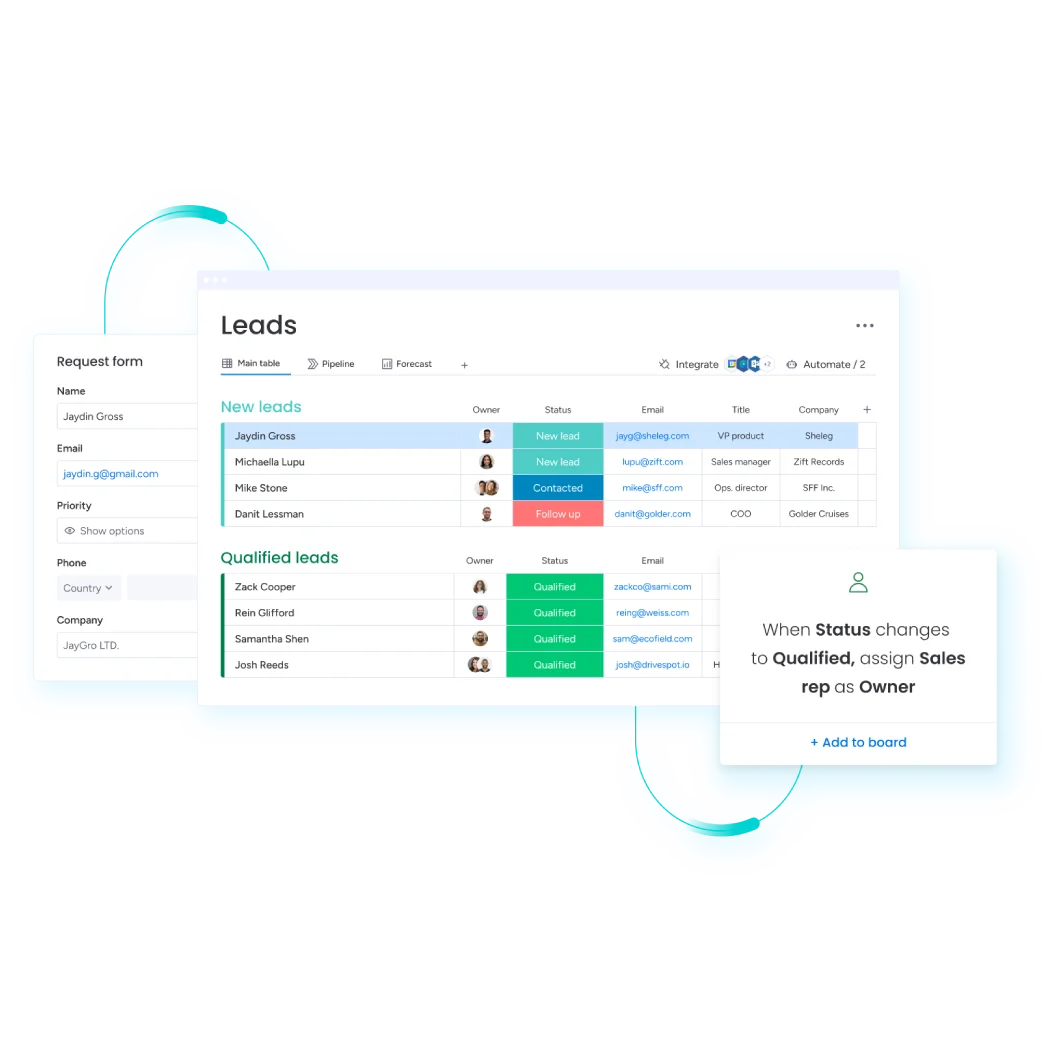
Leads can come from anywhere. They can come from emails, web forms, marketing integrations, or manual imports. Monday.com CRM collects all of them in a single, consolidated pipeline, so salespeople can act quickly and never miss an opportunity.
Customizable Workflows
Every team has its own rhythm. Monday.com CRM lets you edit deal stages, add custom fields, handle multiple funnels, and tailor views for different roles. This ensures the system fits how your team actually works, keeping everyone coordinated and productive.
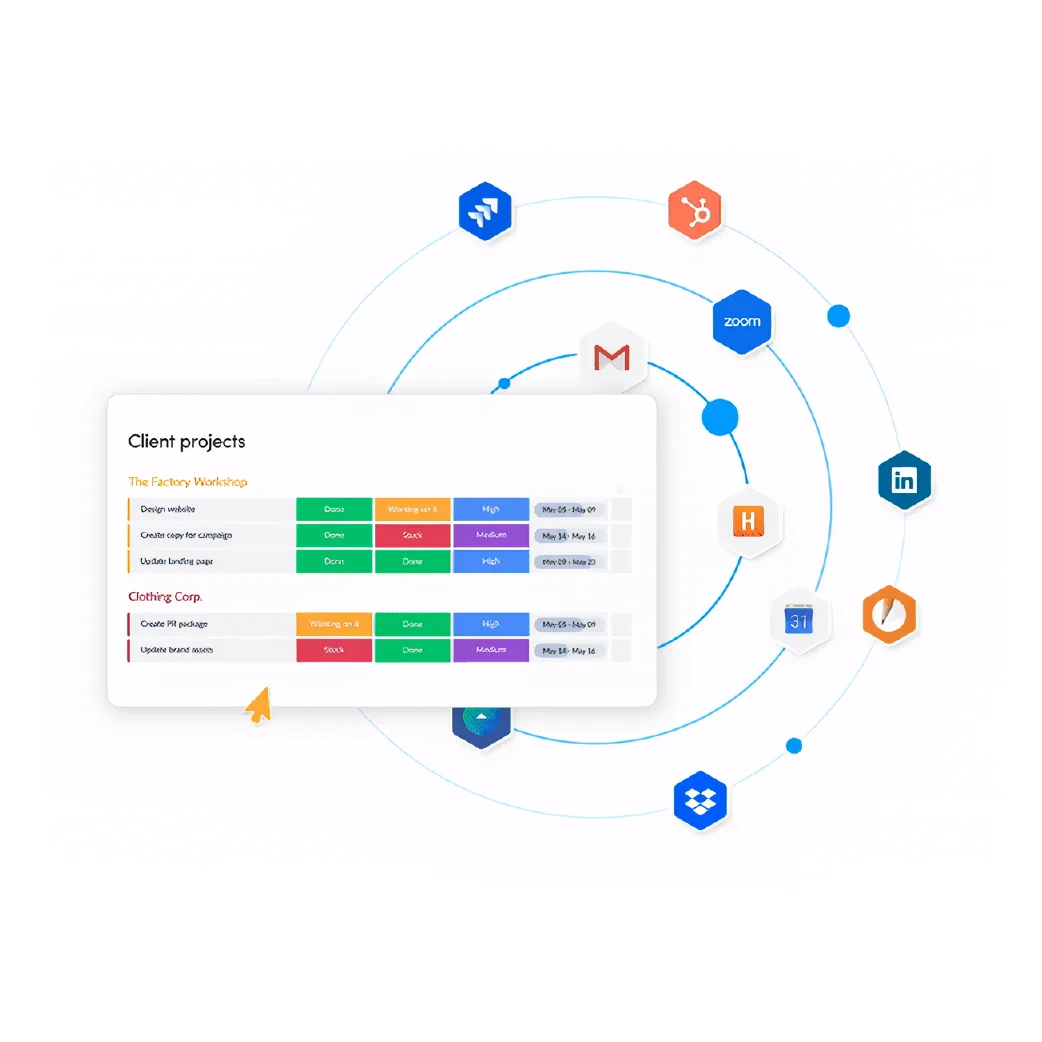
Beyond sales, monday.com serves as a flexible work platform that supports HR, Purchasing, Operations, IT, and other departments by centralizing data and automating everyday processes. At its core, it allows teams to customize boards, track information, and connect workflows using low-code/no-code automations that ensures routine tasks run automatically while everyone stays aligned. Key capabilities include:
• HR – Manage recruitment pipelines, onboarding checklists, employee records, and automate HRIS workflows like leave and approval requests.
• Purchasing – Track purchase requests, automate approval flows, and manage vendor communications in one place.
• Operations – Streamline task sequencing, resource allocation, and operational deadlines in visual boards with automation rules that trigger reminders, status changes, and cross-team notifications.
• IT – Build ticketing systems with forms, auto-assignment rules, alerts, and real-time issue tracking.
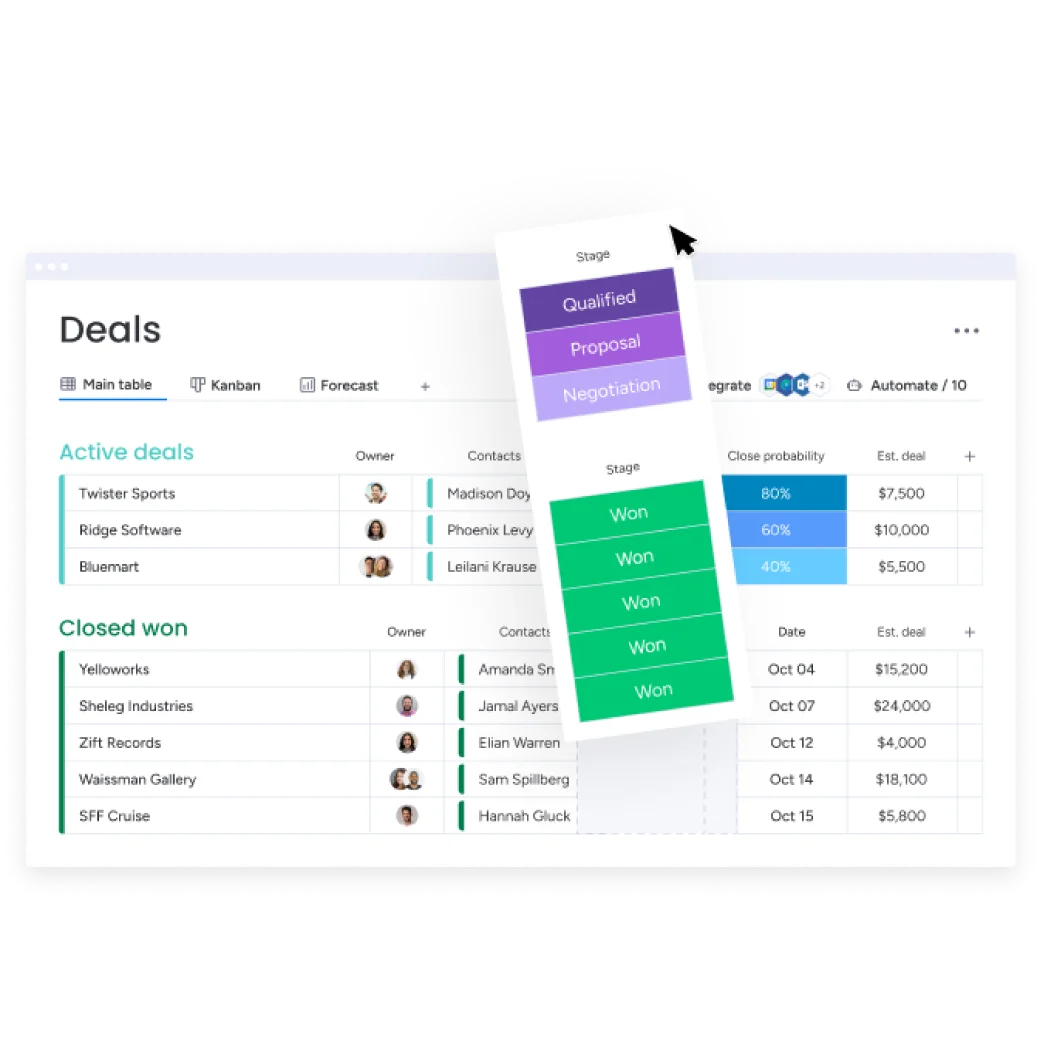
Intelligent Deal Tracking
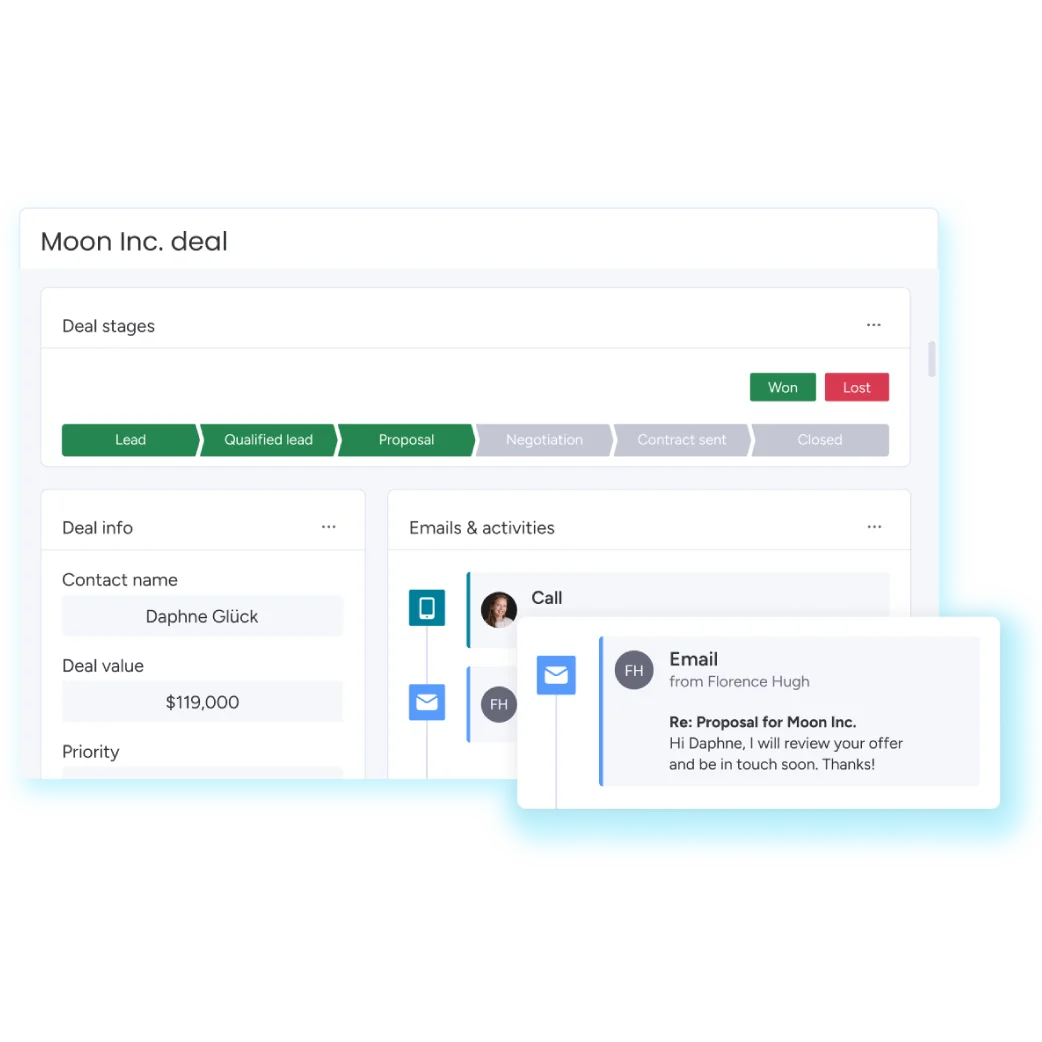
Manual updates slow teams down. This CRM tool automatically updates deal progression based on actions like emails sent, calls completed, or meetings scheduled. Managers and agents always have a real-time view of the pipeline without extra work.
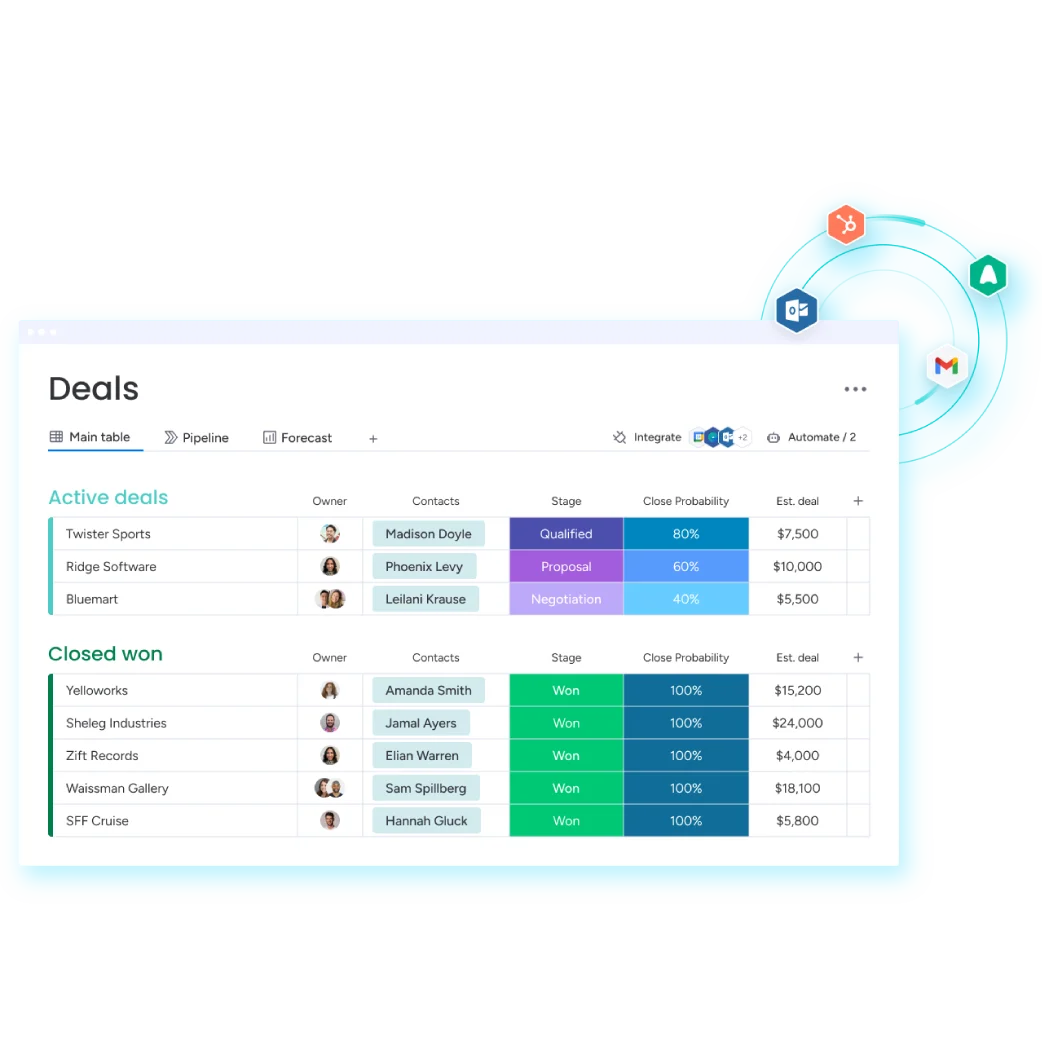

Automated Follow-Ups
Consistent follow-up is key to closing deals. It also triggers reminders and notifications, letting reps know exactly who to contact and when. This keeps customers informed throughout the buying journey.
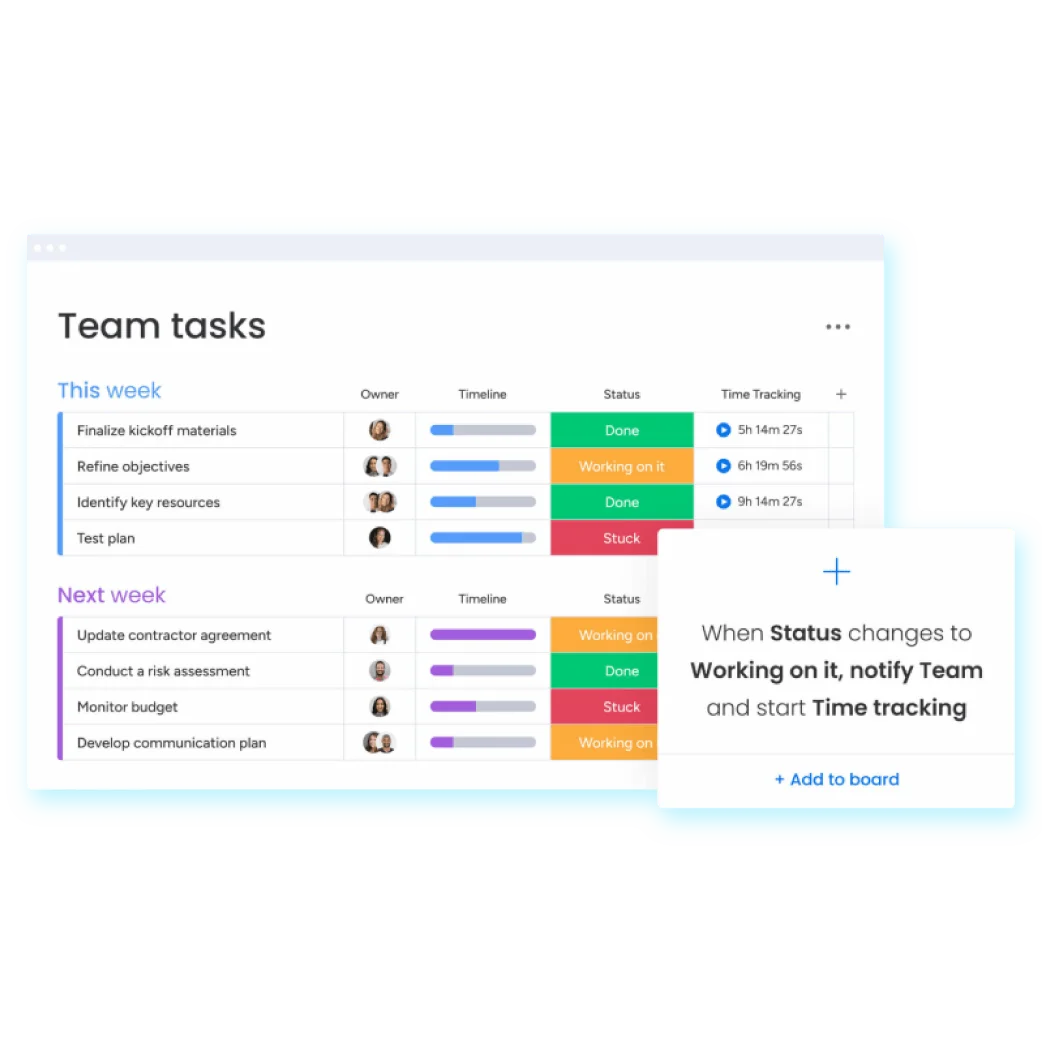
Task Automation
Repetitive tasks like assigning leads, sending alerts, or updating deal statuses can eat up valuable prospecting time. Monday.com automates these routine actions, giving salespeople more time to focus on conversations that close opportunities.
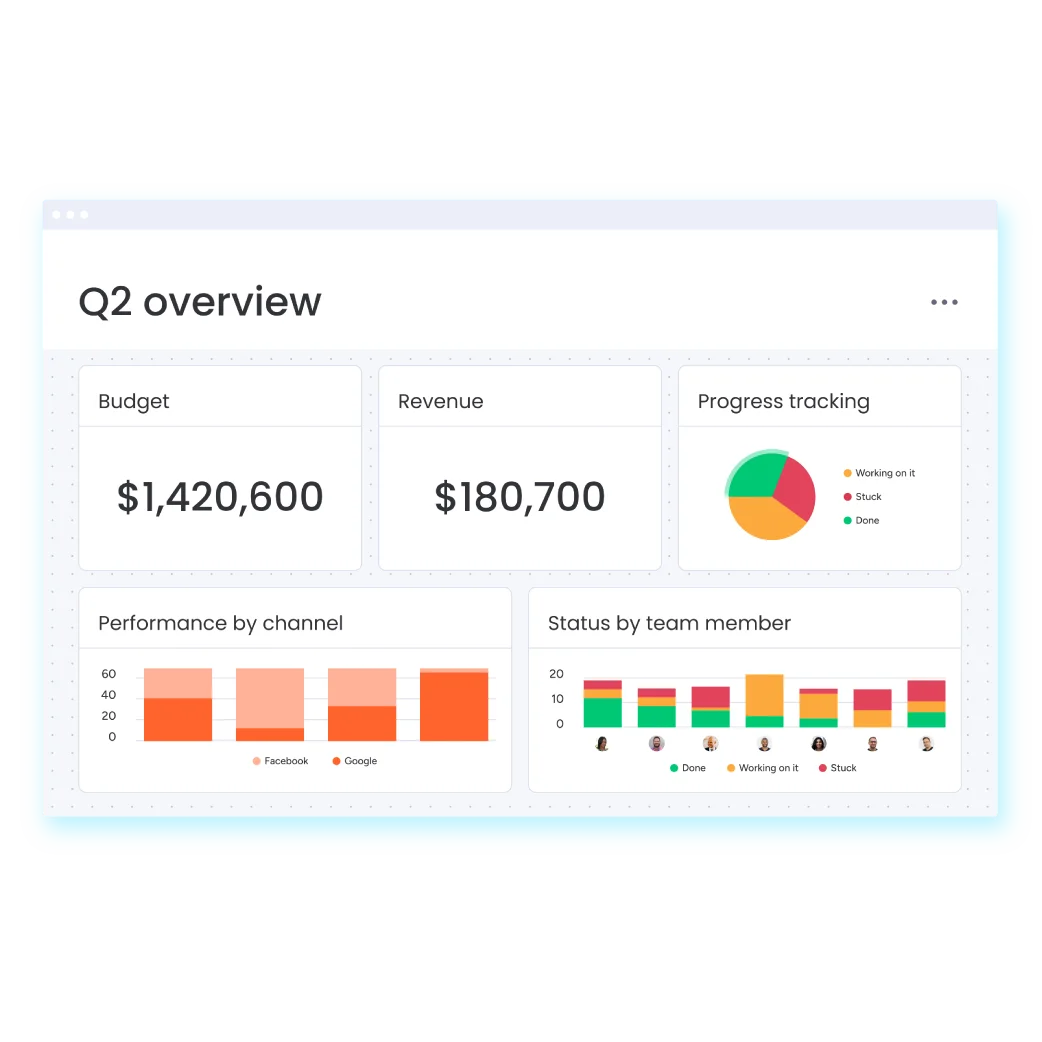
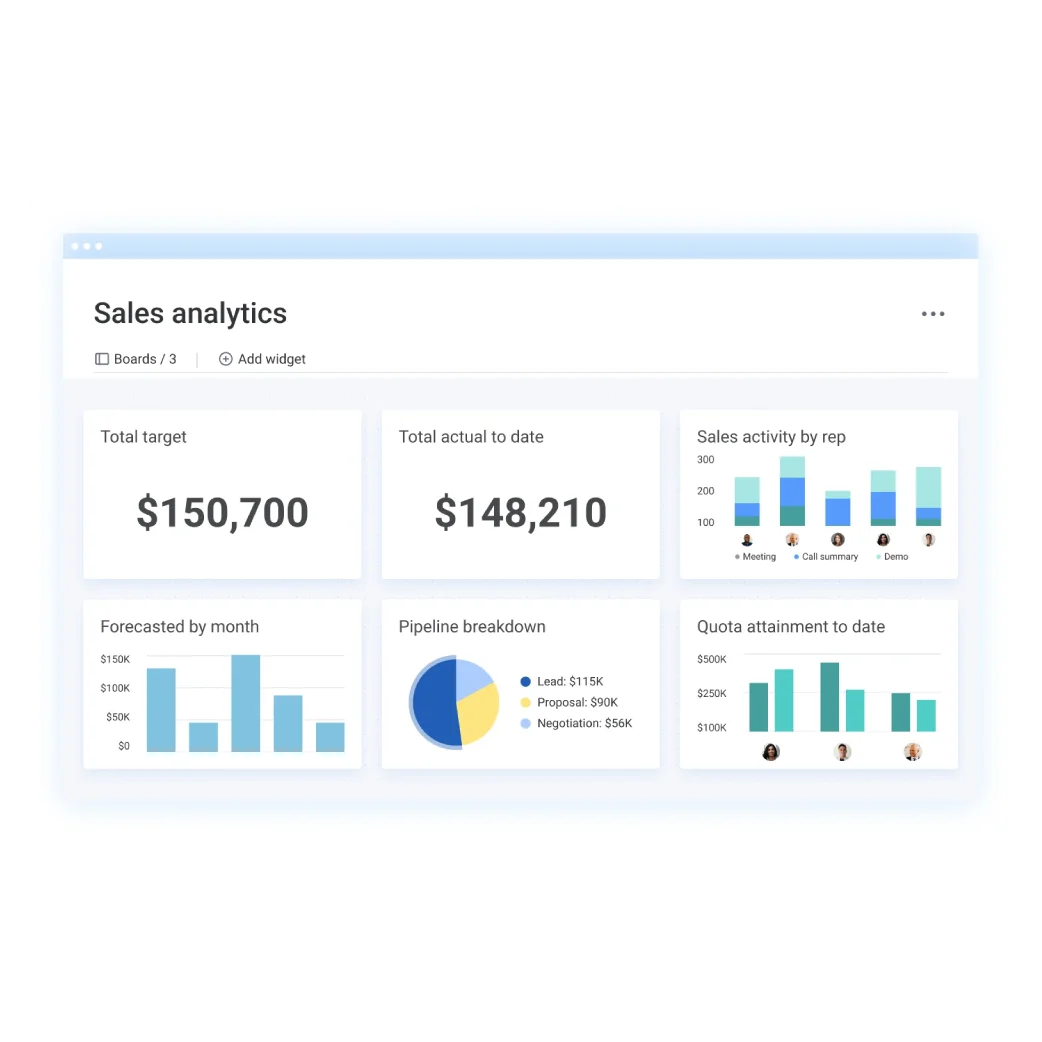
Real-Time Reporting
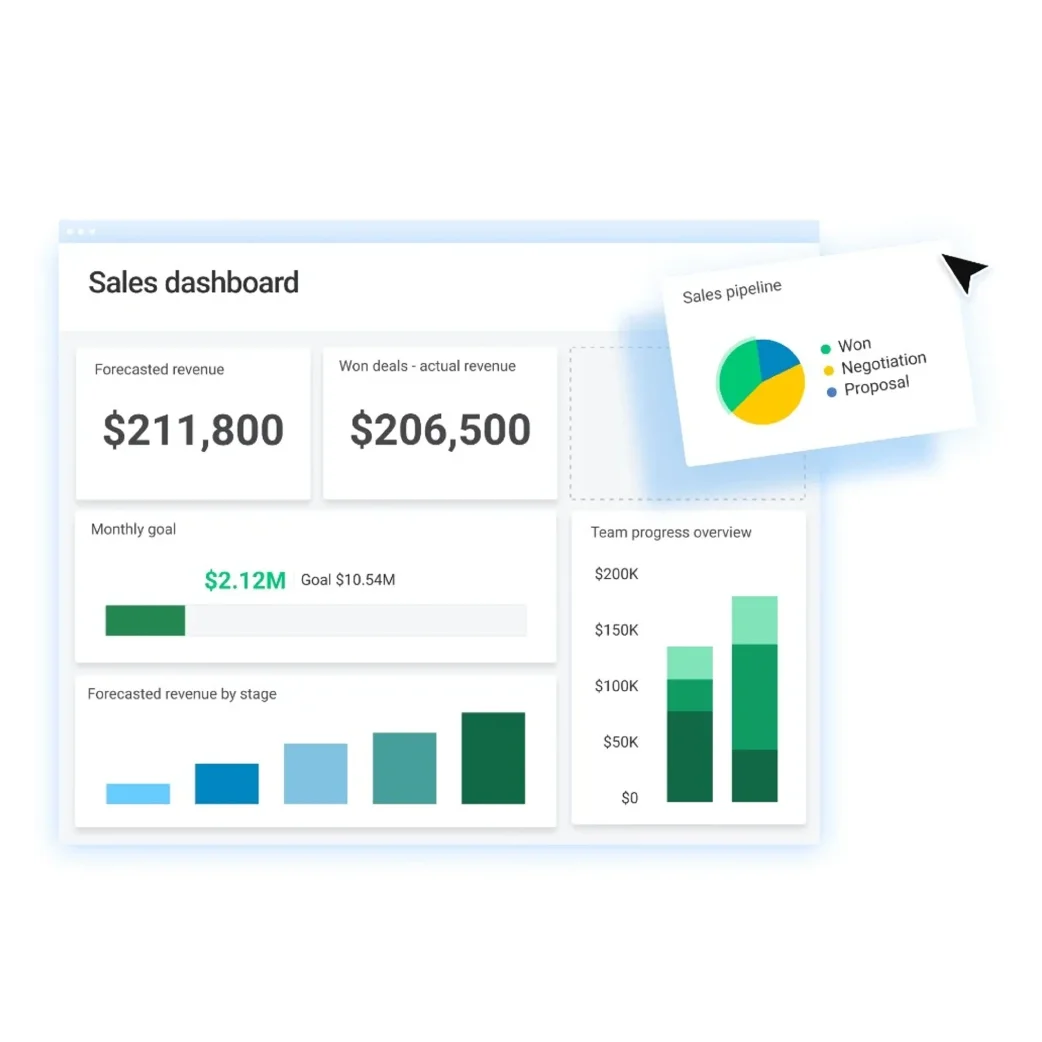
This CRM provides dashboards and analytics to track win rates, deal duration, revenue forecasts, and rep performance. With these insights, users can identify bottlenecks, refine strategies, and continuously improve.
Personalized Interactions
Delivering the right message to the right prospect at the right time is crucial. Through this CRM, you can send tailored email sequences or run campaigns. This helps every interaction feel personal and relevant.
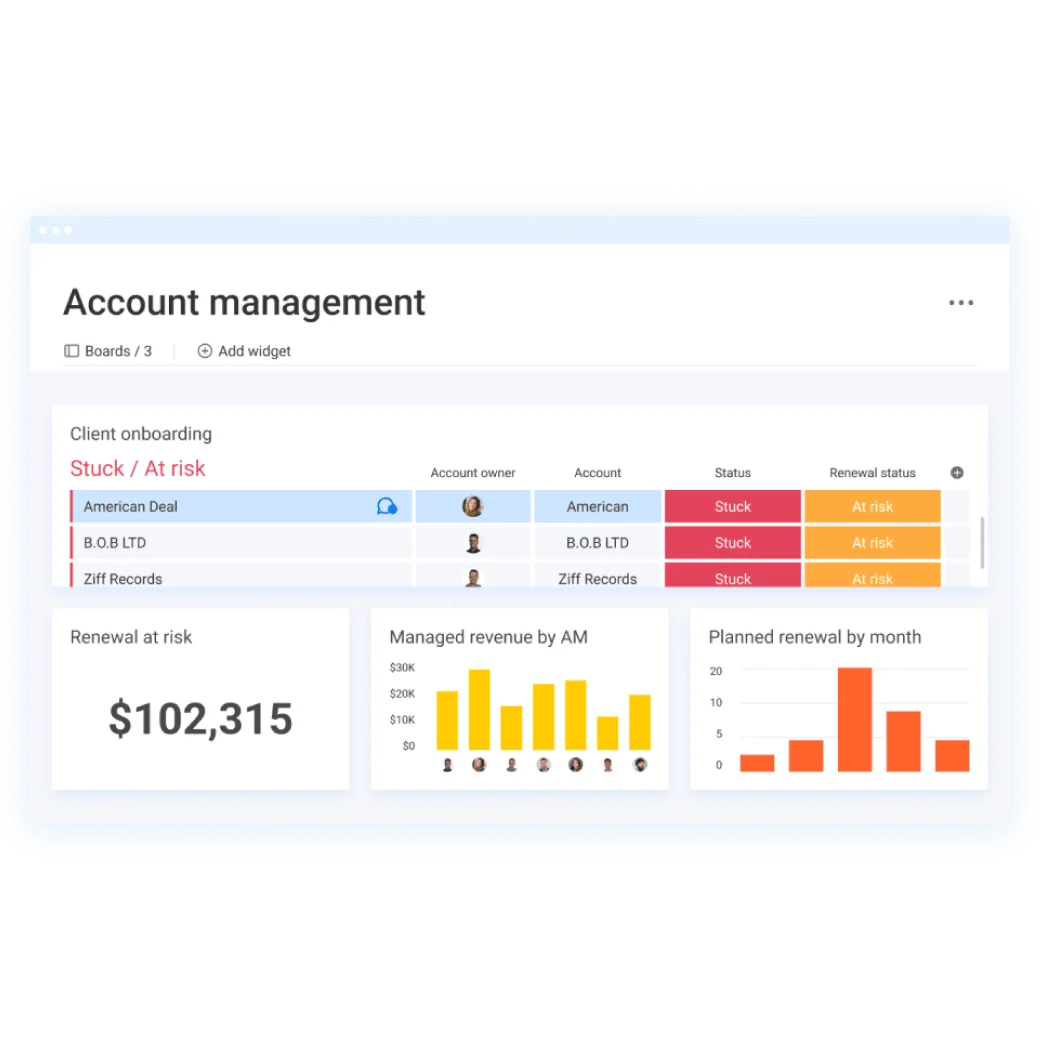
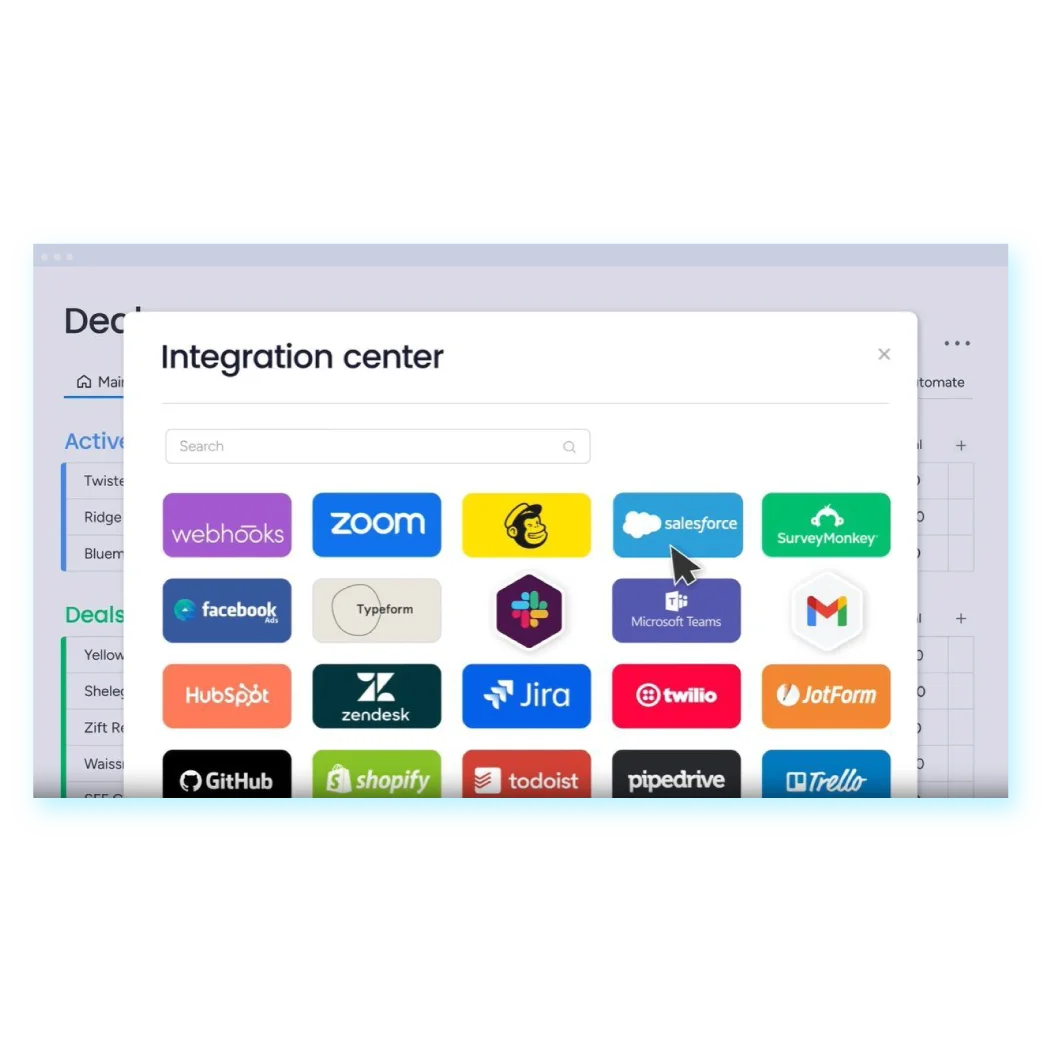
Seamless Integrations
Sales teams rely on multiple tools for communication, marketing, and analytics. monday.com CRM connects with your existing platforms, unifying workflows, reducing silos, and keeping teams aligned.
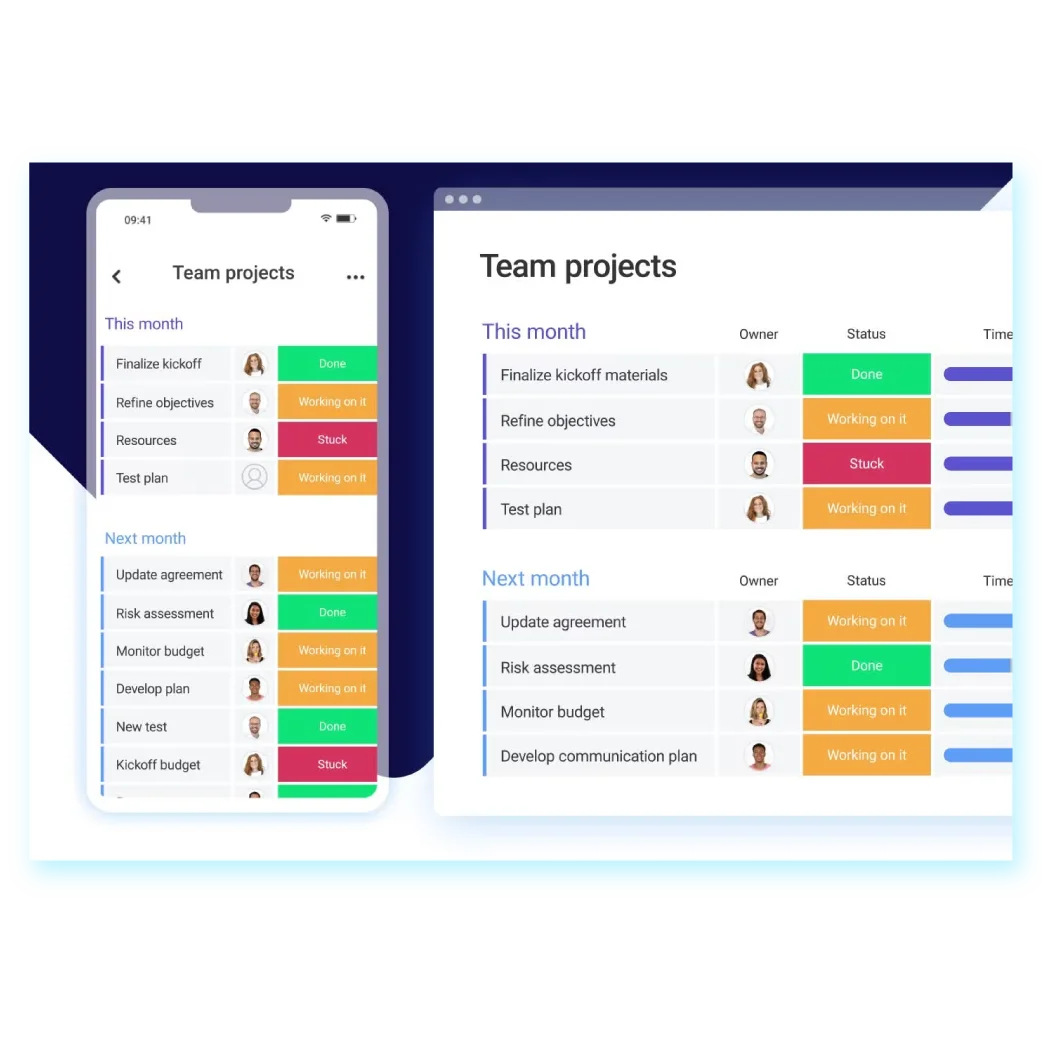
Mobile Access
Selling doesn’t stop at the desk. This mobile responsive tool lets users handle pipelines, log calls, check reports, and update deals from anywhere which keeps teams productive on the go.
Full Sales Lifecycle Support
From pre-sales lead management to post-sales projects and account tracking, monday.com covers the entire customer journey. Teams can oversee leads, sales, contacts, and operations all in one platform.
Choosing the Right CRM System
Not all CRMs are created equal. Choosing the right system ensures your team actually uses it and that it grows with your business. Consider:
- Ease of Use: Intuitive interfaces increase adoption.
- Customization: Funnels, dashboards, and workflows should match your process.
- Automation: Repetitive tasks should be simplified to free up selling time.
- Integrations: Your CRM should connect with your existing tools.
- Scalability: It should handle growth without slowing down operations.